Limited offer · Save 10% ($111) · Closing in00d00h00m00s
Themes, UI kits and dark mode · from Tune-Up

A GoHighLevel white label theme in your paint, not theirs

Every agency gets the same factory paint. Your account lets you respray all of GoHighLevel, sidebar to table rows, from 27 themes and 11 UI kits, set to your colors. Want it dark? Dark mode is in every package.

Swap themes live

27 themes11 UI kitsDark mode in Tune-Up

Slate CorporateAlpine GlassMidnight EmberGraphite ProForest FinanceOcean GlassRoyal Navy & GoldObsidian OLED
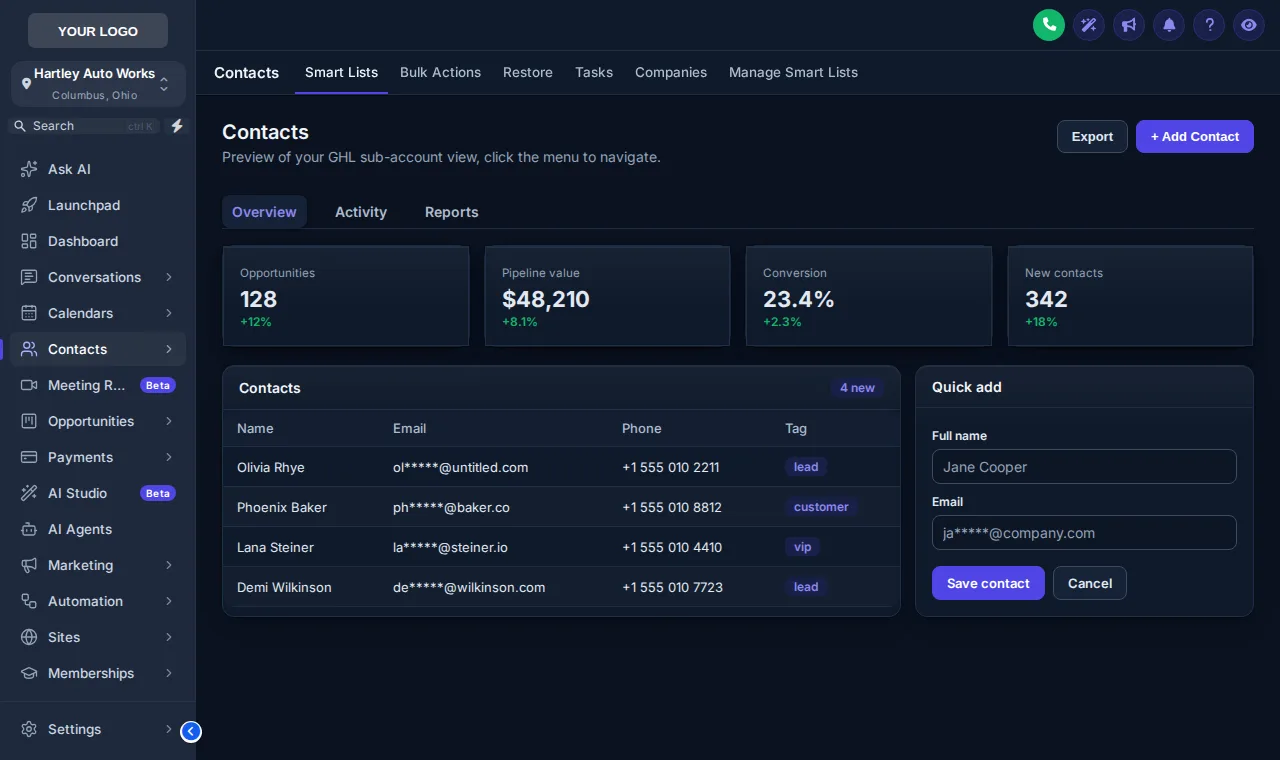
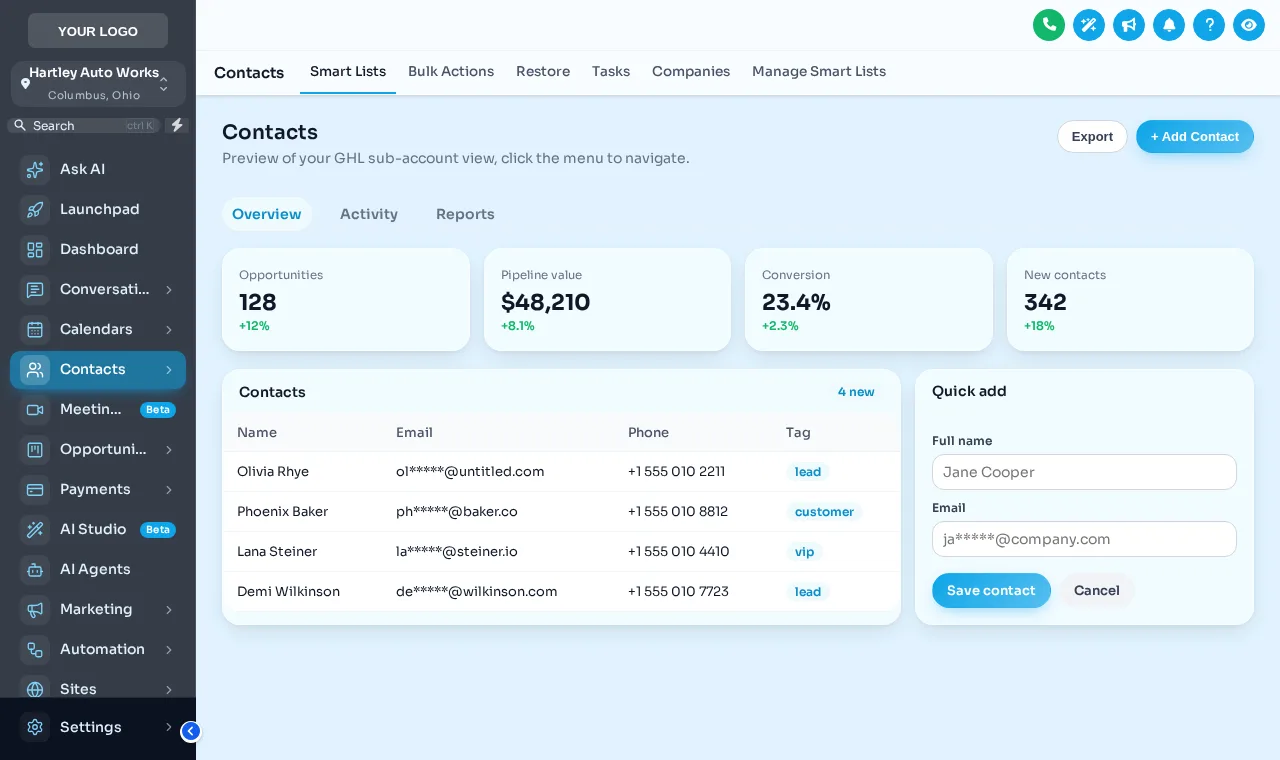
GoHighLevel contacts page in dark mode, Slate Corporate theme with the Crisp Highlight UI kit
Dark mode with the Crisp Highlight UI kit
27
complete themes
11
UI kits
3
dark themes
2
lines to install
Test drive

Respray it live

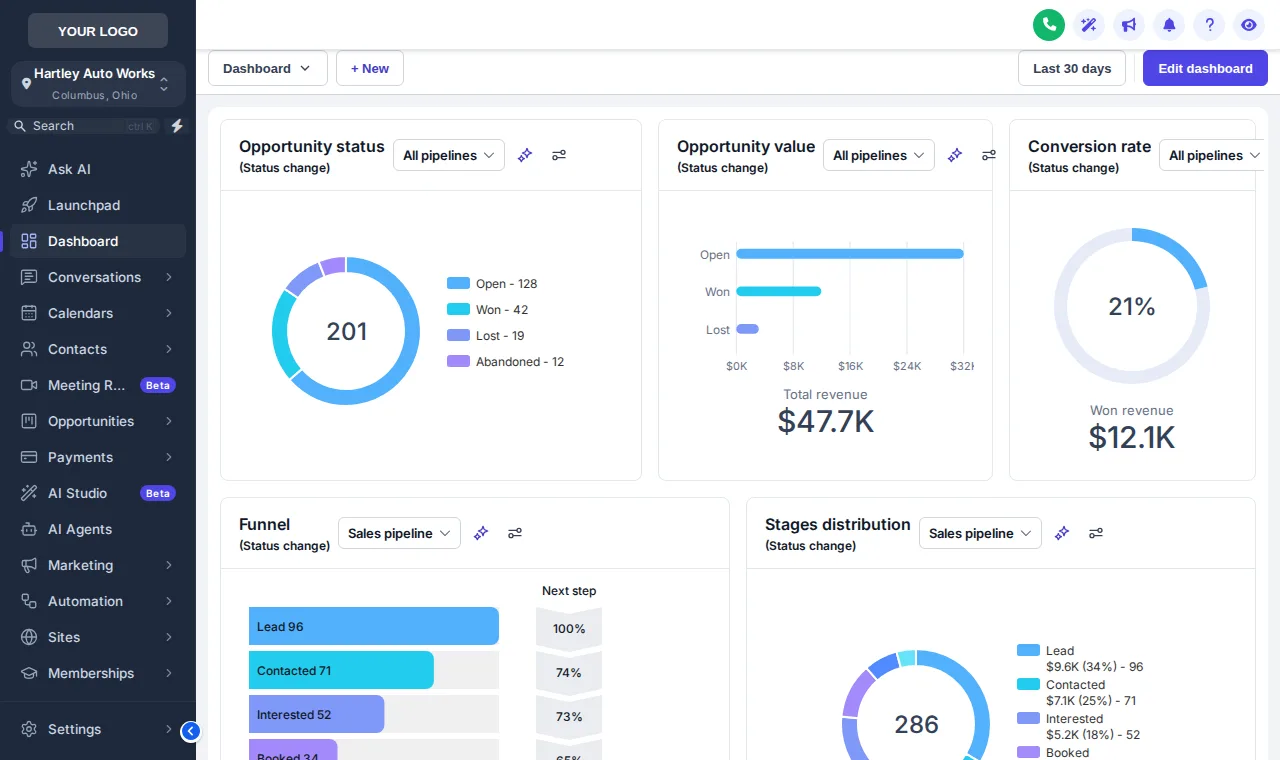
Slate Corporate with Crisp Highlight is loaded. Try Alpine Glass and Midnight Ember, change the kit, switch to dark mode, or open contacts and opportunities.

Paint booth

Live

Raising it on the lift…

Slate CorporateThe real customizer engine restyling a copy of the GoHighLevel interface for a sample shop. The menu, the collapse arrow and the quick-add form inside it all respond.

Definitions

Theme, UI kit or dark mode: what is the difference?

A theme sets the colors and layout of the whole app, a UI kit sets the finish of cards, buttons and tables, and dark mode swaps every surface to a dark palette. Together they decide how GoHighLevel looks; none of them changes how it works.

PartWhat it changesPackage
ThemeSidebar, header, background, fonts, brand colorTune-Up
UI kitCards, buttons, inputs, tables, tabs, modalsTune-Up
Dark modeDark surfaces, borders and text on every pageTune-Up
White-label editorThe customizer editor itself in your logo, colors and nameFull Rebuild
Paint samples

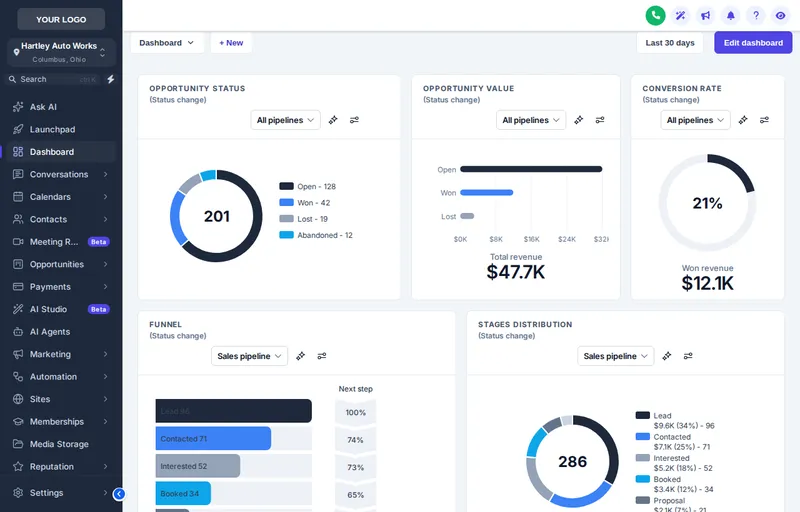
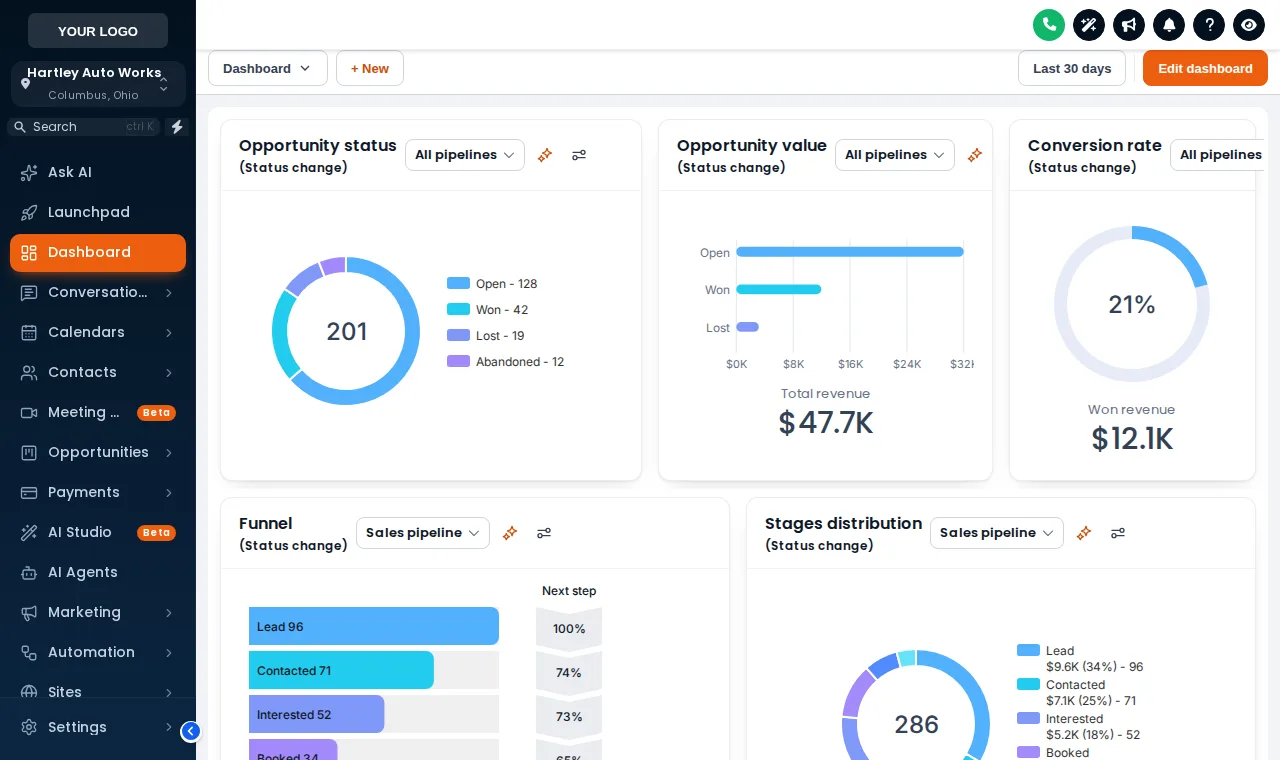
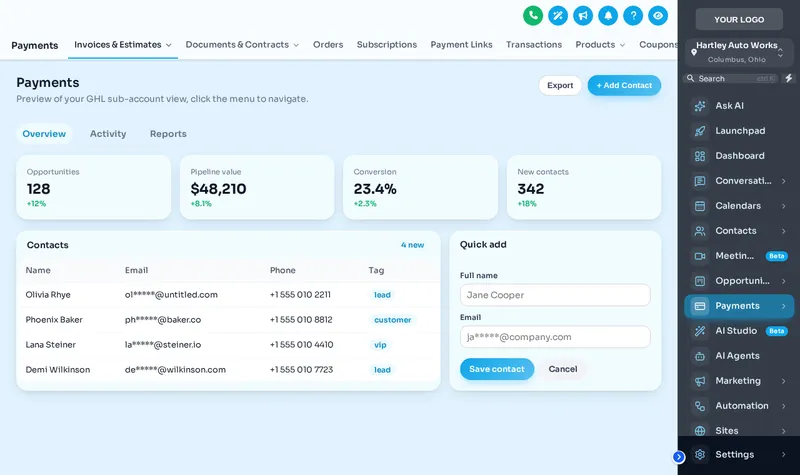
Slate, Alpine and Ember, on real screens

What you get

The full respray

What you can set and check in the editor when the theme is in your package.

27 complete themes

Each sets the sidebar, header, page background, type, corner radius, UI kit and a matching login page.

11 UI kits

Crisp Highlight, Soft Shadow, Bordered Flat, Elevated, Glass, Brutalist, Halo Glow and more, applied in one go.

Dark mode

A dark palette for surfaces, borders and text, for teams in the app all day. Unlocked from the Tune-Up.

Color remap

GoHighLevel hard-codes its blue in hundreds of places; the remap swaps them for your color so nothing gives the game away.

Fonts, radius and shadows

A Google font, how round the corners are and how deep the shadows go: the details that make it feel designed.

Page loader and backgrounds

Solid, gradient or photo backgrounds and a branded loading bar when pages change.

Packages

Themes and dark mode in every package

The Tune-Up ($157) unlocks all 27 themes, 11 UI kits and dark mode. Higher packages add menus, designers and widgets.

Starts hereTier 1 · one-time

Tune-Up

$157once, lifetime access

✓ 27 themes, 11 UI kits, colors and logo included

All 27 themes, 11 UI kits, dark mode, your colors and logo, and all 16 animated login page designs.

Workspaces
1
Team members
3
Access
Login emailed within minutes (max 24 hours)

Best for: An agency or a single shop that wants GoHighLevel to stop looking stock, without changing how anybody works inside it.
Tier 2 · one-time

Overhaul

$377once, lifetime access

✓ 27 themes, 11 UI kits, colors and logo included

Everything in Tune-Up plus mega menus, a floating menu, the dashboard and pipeline designers and the contact actions bar.

Workspaces
2
Team members
5
Access
Login emailed within minutes (max 24 hours)

Best for: Agencies running several repair-shop sub-accounts whose service writers live in contacts, conversations and the pipeline.

Tier 3 · one-time

Full Rebuild

$777once, lifetime access

✓ 27 themes, 11 UI kits, colors and logo included

The whole customizer: popups, social proof, calculators, floating widgets, leads into GoHighLevel and a white-label editor.

Workspaces
3
Team members
10
Access
Login emailed within minutes (max 24 hours)

Best for: Agencies reselling GoHighLevel to auto repair shops under their own brand, who want popups and widgets on their websites too.

The job

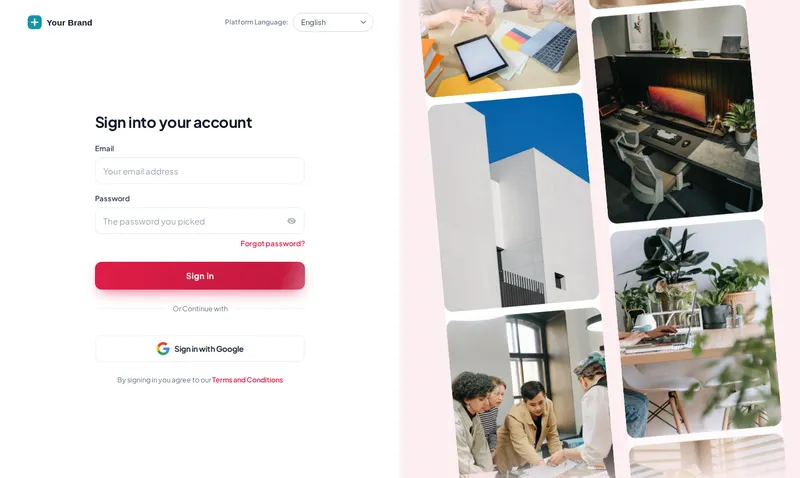
How do you set up a GHL theme?

  1. Pick a theme and a kit

    Start from one of the 27 themes and one of the 11 UI kits in the preview, then switch to dark mode if you want it.

  2. Tune it to your brand

    Logo, brand color, font, corner radius, shadow depth and page background set to your brand, then checked page by page.

  3. Install and spread

    The loader script goes in once at agency level, so every sub-account picks the theme up on its next page load.

Inspection checklist

Theme and dark mode questions

9 questions answered

Q01

What is a GoHighLevel white label theme?

A theme that restyles the whole GoHighLevel app in your brand: sidebar, header, page background, cards, buttons, inputs, tables, tabs and modals. GoHighLevel’s own white-label settings only cover your logo, domain and a couple of colors.

Q02

How many GHL themes can I choose from?

27 complete themes, including Slate Corporate, Alpine Glass, Midnight Ember, Graphite Pro and Forest Finance. 3 of them are dark themes. Each one is a starting point we tune to your brand.

Q03

What is a UI kit?

A UI kit sets the shape and finish of the parts inside pages: cards, buttons, inputs, tables, tabs and modals. There are 11, such as Crisp Highlight, Soft Shadow, Bordered Flat, Glass and Brutalist. A theme sets the colors; a kit sets the feel.

Q04

Does GoHighLevel have a dark mode?

Not built in for the whole app. The customizer adds one: dark surfaces, borders and text across GoHighLevel pages. Dark mode is unlocked in every account, from the Tune-Up, and 3 themes are dark by design.

Q05

Will the theme hide the GoHighLevel blue everywhere?

The theme recolors the main surfaces, and the editor's color settings swap GoHighLevel’s hard-coded blues across its pages for your brand color.

Q06

Can I use my own brand colors instead of a preset?

Yes, that is the normal case. Presets are starting points. You set your exact hex colors, font and logo in the editor, and the live preview shows straight away whether text stays readable.

Q07

Is there anything a theme cannot restyle?

A few GoHighLevel screens, such as parts of location settings, load inside a frame from another domain. Browsers do not allow outside styling there, so those areas keep the stock look.

Q08

Which theme suits an auto repair agency?

Shops respond to clear, high-contrast screens: Slate Corporate or Graphite Pro with the Crisp Highlight kit read like a well-run service desk. Midnight Ember suits agencies with a bold, orange-red brand.

Q09

Do sub-accounts all get the same theme?

Yes, the agency theme applies to every sub-account. If you run separate brands, each customizer workspace can carry its own theme.

Book a bay

New paint, same engine

Every theme, UI kit, dark mode and login design for $157, paid once, lifetime access. Every workflow keeps running.

Compare all three packages

One-time payment by card through Stripe secure checkout. Lifetime access, no monthly fee.

GHL Customizer accounts are sold by Car Mechanic Snapshot and run on the GHL Customer Care customizer platform; you customize and install everything yourself. GoHighLevel and HighLevel are trademarks of their owner; we are an independent business and are not affiliated with, endorsed by or sponsored by HighLevel. Screens shown are our own captures of the customizer's live preview on sample data. Prices updated .

Lifetime account

Get your GHL Customizer account

Account (one-time, lifetime)
Total today, , paid once, lifetime access

Secure payment by Stripe. Card details go straight to Stripe and never touch this site. We use your details only to run this job, as described in our privacy policy. Your login (email and a temporary password) is emailed as soon as payment completes, usually within minutes and at most 24 hours. If anything fails, our team sets the account up by hand within 24 hours. We never ask for your GoHighLevel login.