
GoHighLevel customizer installation in four steps
Pay once, get your login by email, design your look in a live editor, paste one line into GoHighLevel. That is the whole job, and you never hand anyone your agency login.
Login by email in minutesOne line of code, pasted onceRemovable at any time
// Custom JS: one line (theme, menus, dashboards, boards, actions, popups)
<script src="https://customizer…/your-workspace/loader.js"></script>
// Custom CSS: one line for the login page
@import url("https://customizer…/your-workspace/login.css");
// illustrative: copy your real lines from the editor
How long does a GHL customizer install take?
About two minutes to paste one line of code, after your login arrives by email, usually within minutes and at most 24 hours. Designing takes as long as you like in the live editor. Clients see no downtime: the new look appears on their next page load, and later changes go live without re-installing.
Four entries, every account
The same for the Tune-Up, Overhaul, Full Rebuild. Only the modules unlocked in your editor change.
- 01Checkout
Choose a package and pay
Pick Tune-Up ($157), Overhaul ($377), Full Rebuild ($777) and pay once by card on Stripe's secure checkout. The confirmation page shows your order reference straight away.
- One-time payment, lifetime access
- No call, no forms to fill
- 02Minutes, max 24 h
Get your login by email
Your login (email and a temporary password) is emailed as soon as payment completes, usually within minutes and at most 24 hours. If anything fails, our team sets the account up by hand within 24 hours. Check your spam folder if it has not arrived.
- Email plus a temporary password
- Change the password on first login
- 03Your own pace
Customize in the live editor
Log in to the customizer and pick your theme, UI kit, login design, menus, dashboard and widgets. Every change shows on a live preview of GoHighLevel before anything goes live.
- Templates as finished starting points
- Your logo and brand colors
- Version history to roll back
- 04About 2 minutes
Paste one line into GoHighLevel
Install by pasting one line of code into GoHighLevel (Agency Settings, Company, White Label, Custom JS), plus one CSS line for the login page. About 2 minutes, once. Every later change goes live instantly with no re-install.
- Agency level, so every sub-account updates
- Website widgets get one script tag
What should you check after installing?
A five-minute test drive, the way a shop road-tests a car before calling the customer.
- Sign out and back in: sign-in, two-factor and reset screens
- The agency view and one sub-account view, menu by menu
- Dashboard, contacts, conversations and the opportunities board
- The same screens on a phone
- Popups and widgets on a test page before any live site
- Turn privacy mode on and off in the header
What is in the editor, and what is never touched?
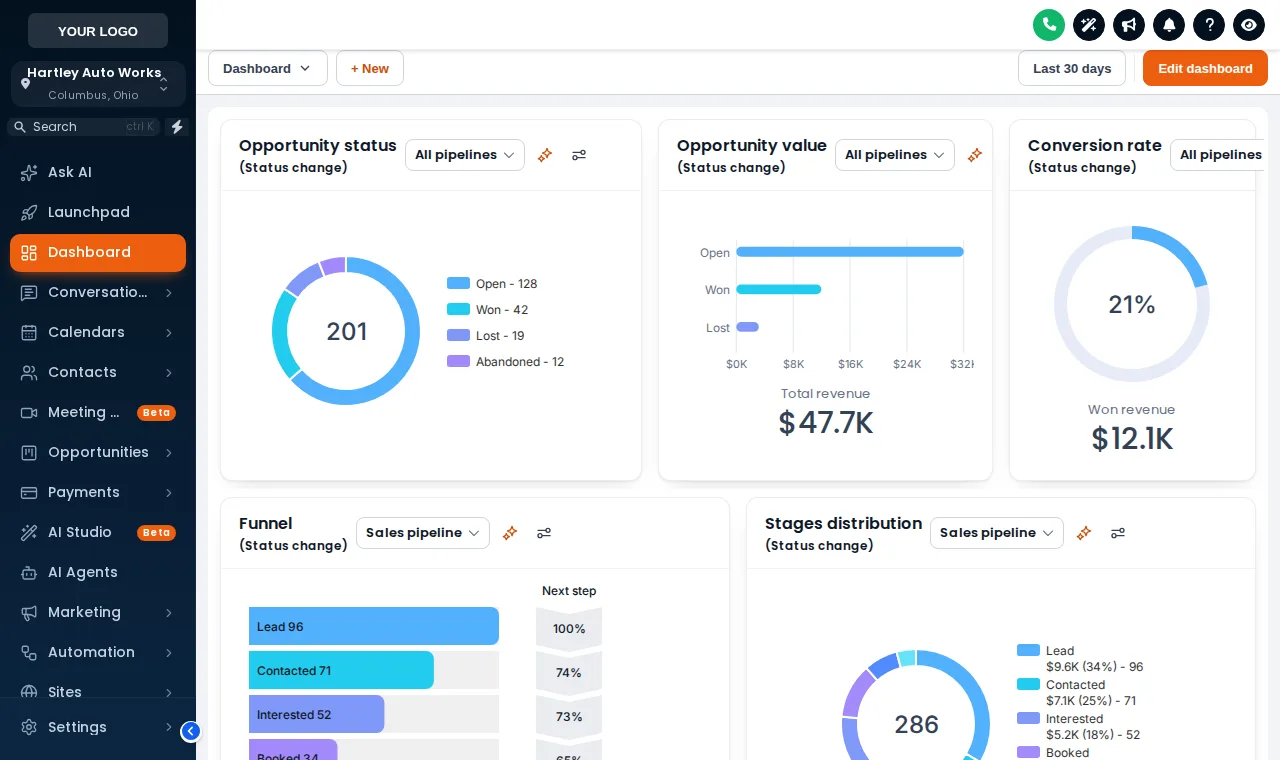
The customizer works on what people see, never on what GoHighLevel stores. Overhaul and Full Rebuild accounts also get in-app announcements and sub-account self-service.
What you can change
- Colors, fonts, cards, buttons and tables
- The login page design
- Menu layout and style
- How the dashboard and pipeline board look
- Popups, widgets and contact buttons
What stays exactly as it is
- Workflows, triggers and automations
- Contacts, conversations and opportunities
- Pipelines, stages and calendars
- Snapshots, integrations and phone numbers
- User permissions and billing
Install questions
What gets pasted, where it goes and what happens if you ever want it gone.
10 questions answered
Q01How is the GoHighLevel customizer installed?
With one line of code in your agency settings: Agency Settings, Company, White Label, Custom JS. A second CSS line carries the login page, because GoHighLevel loads custom CSS before sign-in. The editor shows you exactly what to copy.
Q02How long does it take to get started?
Your login (email and a temporary password) is emailed as soon as payment completes, usually within minutes and at most 24 hours. If anything fails, our team sets the account up by hand within 24 hours. Pasting the line of code then takes about two minutes, and most people have a theme and login design picked in their first sitting.
Q03Do I need to give you my GoHighLevel login?
No. We never ask for your GoHighLevel login. You install it in your own account; we never need access.
Q04Will you design it for me?
No, it is a self-serve account. You customize it yourself in the live editor. We do not design or install it for you; our help docs and support are there if you get stuck.
Q05Do I have to re-install after every change?
No. Once the line is in place, every change you save in the editor goes live on the next page load. You never touch GoHighLevel settings again.
Q06Will my clients notice downtime?
No. Nothing goes offline. Sub-accounts simply pick up the new look on their next page load.
Q07Can the new look be removed?
Yes, at any time. Delete the line of code and GoHighLevel returns to its stock look on the next page load. Your data, workflows and settings are never touched.
Q08What is privacy mode?
A switch in the GoHighLevel header that blurs names, emails and phone numbers, handy when you share your screen in a demo or a support call. It is included from the Tune-Up.
Q09How do website widgets and popups get onto my site?
Full Rebuild accounts get one script tag for websites, which you paste into a GoHighLevel funnel, WordPress, Webflow or any other builder. You can limit which domains it runs on.
Q10What if the login email never arrives?
Check spam first. If it is not there after 24 hours, contact us with your order reference and we set the account up by hand.
Pull into the next bay
Pricing
Three lifetime accounts, paid once: Tune-Up $157, Overhaul $377, Full Rebuild $777, with a module-by-module comparison.
Login page
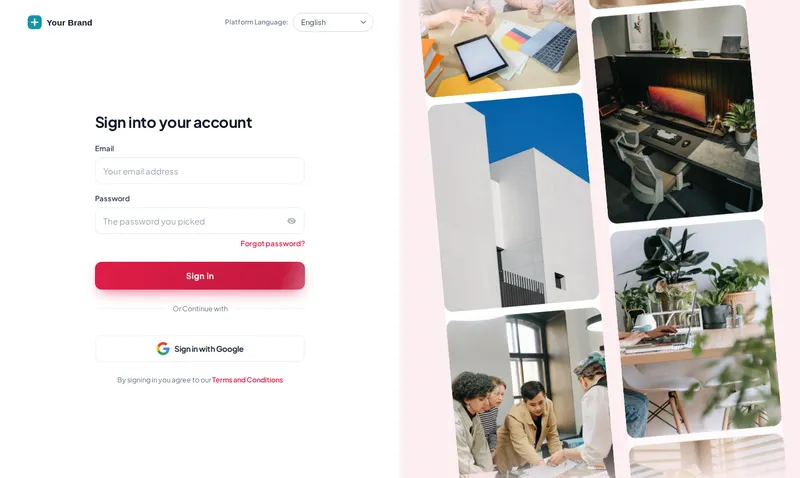
16 animated login designs for GoHighLevel, covering sign-in, two-factor and password reset, delivered as one CSS import.
Themes and dark mode
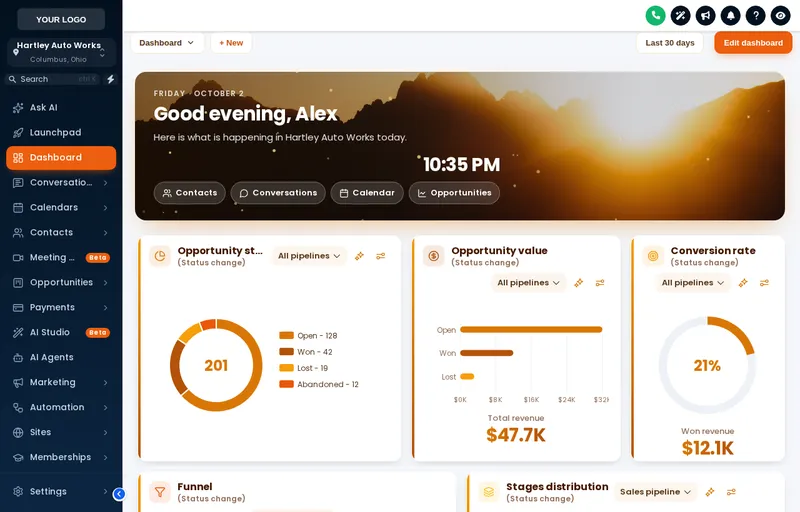
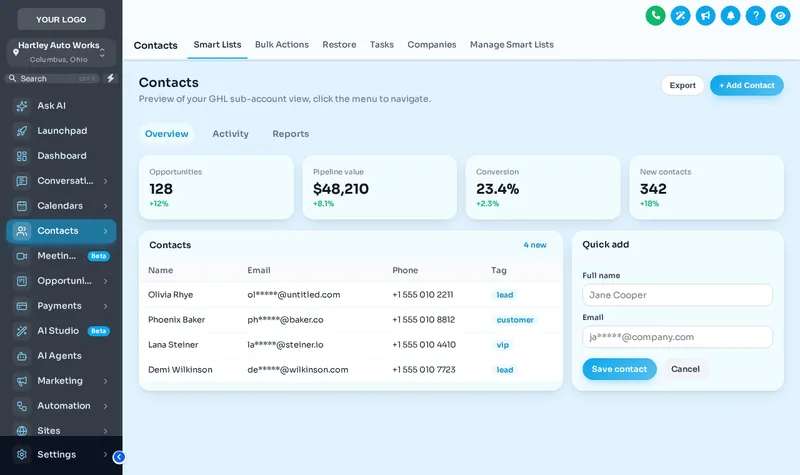
27 complete themes, 11 UI kits, your logo and brand colors, and dark mode across the whole GoHighLevel app.
One line of code. One new look.
Start with the Tune-Up for $157: every theme, UI kit, dark mode and login design, with lifetime access.
One-time payment by card through Stripe secure checkout. Lifetime access, no monthly fee.
GHL Customizer accounts are sold by Car Mechanic Snapshot and run on the GHL Customer Care customizer platform; you customize and install everything yourself. GoHighLevel and HighLevel are trademarks of their owner; we are an independent business and are not affiliated with, endorsed by or sponsored by HighLevel. Screens shown are our own captures of the customizer's live preview on sample data. Prices updated .